We’re often asked: how do you install a VPN on a device where you can't easily sign in to the BlancVPN account? For example, on someone else’s phone or a device you don’t use every day.
Sharing access to your account isn’t the best idea. In this guide, we’ll show you how to set up BlancVPN on any device.
Official BlancVPN app
This is the easiest way to install BlancVPN on an additional device.
Supported devices
Anyone using the BlancVPN app under your account has full control over your settings. Only share access with people you fully trust.
To sign in on a new device, you’ll need:
the email address linked to your BlancVPN account;
a one-time code sent to that email.
Other VPN applications
This option:
works for any device;
is more secure, as it doesn’t require sharing access to your account.
Step-by-step guide
Sign in to your BlancVPN account. On desktop: open the “Install” tab. On mobile: find the ‘Install BlancVPN” section on the home screen.
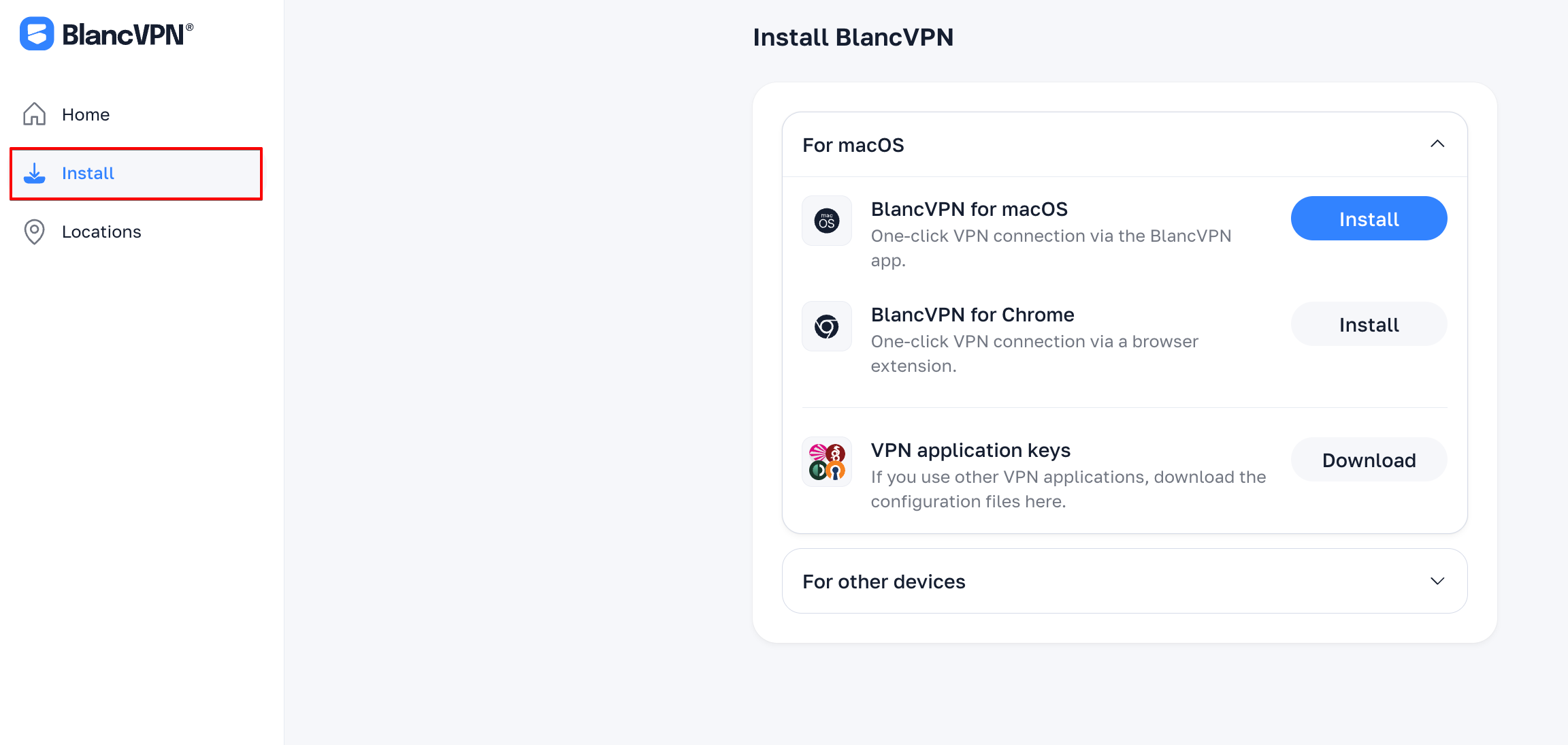
Click "For other devices" and select the device.
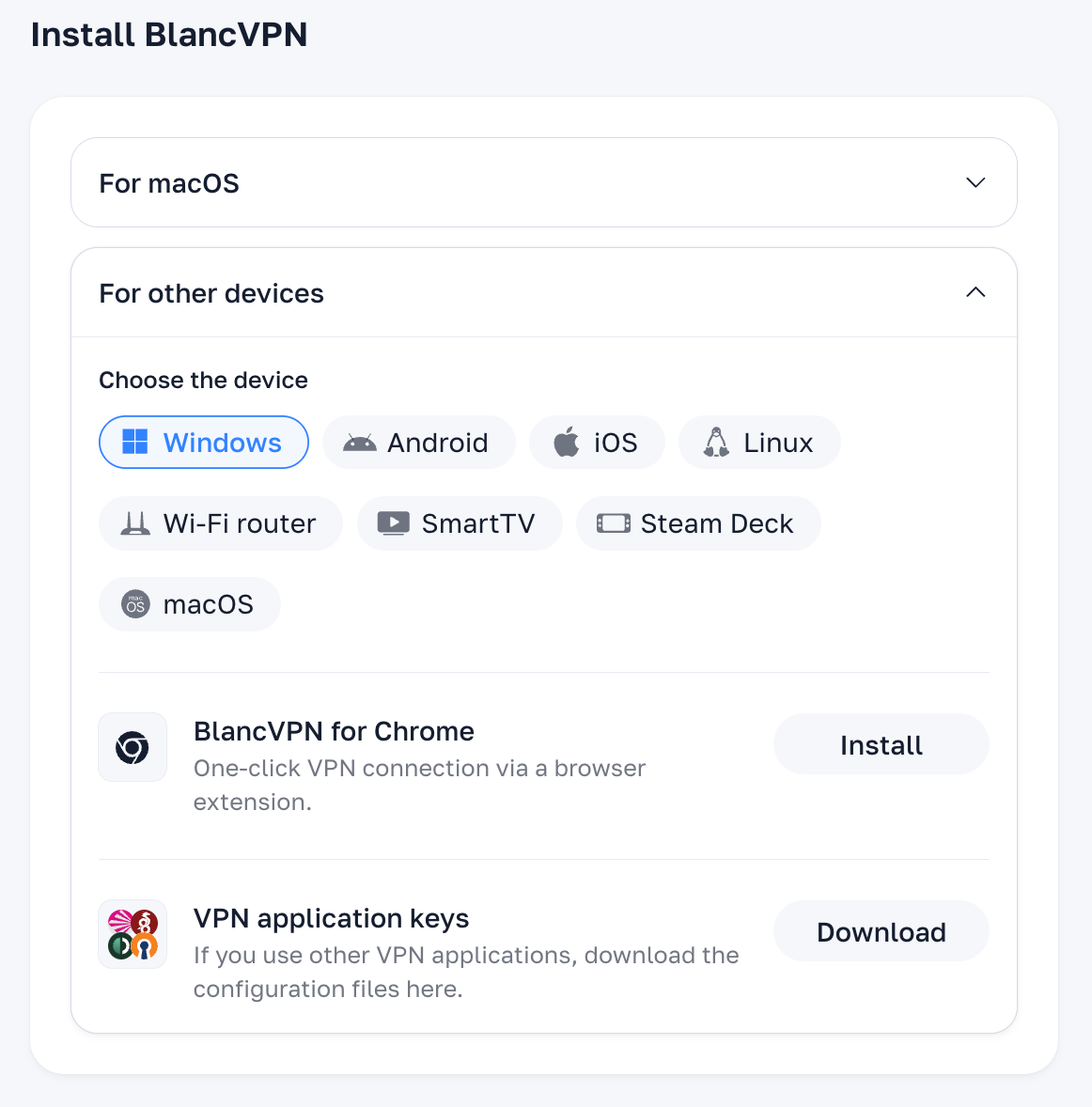
In the “VPN application keys” section, click “Download”.
Download the location file and send it to your device however you like — for example, via a messenger.
Follow the VPN setup guide for the chosen device:
BlancVPN browser extension
You can also use the BlancVPN browser extension (installation link).
This is a convenient option if you mostly use the internet through a browser and don’t want to install a separate app.
To access the extension on a new device, you’ll need:
the email address linked to your BlancVPN account;
a one-time code sent to that email.
If you have any questions, feel free to contact us anytime — we’re always happy to help.