
Set up BlancVPN in 3 simple steps
Easy setup and quick start on any device.
Install a VPN app on your TV
Download it from Google Play or install it manually.
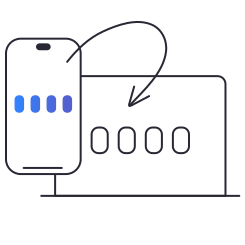
Enter your BlancVPN key
Copy the configuration key from the “Smart TV” section in your account.
Connect to a location
For best results, choose a recommended location.
Why choose BlancVPN
Everything you need in one plan.
One plan.
For the whole family.
For all your devices.
Share your plan with the family and use BlancVPN on your phone, computer, TV, Wi-Fi router, and more.

A VPN you can rely on
We've been protecting users for over 8 years, constantly improving our security tech.

Unlimited traffic and speeds up to 10 Gbps
Stream in 4K and play online without lags or limits. You won't even notice the VPN is on.

24/7 support
Our friendly team will help you set up BlancVPN on any device. Anytime — day or night.
Top-level confidentiality
We continuously enhance our privacy tools to ensure they remain at the highest level of security.
Your privacy is our priority
BlancVPN hides your real IP address and location, keeping your online activity private.

Data encryption
BlancVPN uses advanced encryption protocols to protect your data from prying eyes.

Public Wi-Fi protection
Stay safe on any network — BlancVPN shields you from hackers on unsecured Wi-Fi in cafes, hotels, and airports.

No-logs policy
Use internet without being watched — we never keep logs of your browsing history.

IP address masking
BlancVPN replaces your real IP address with the server's IP to protect your online privacy.
Why customers love BlancVPN
